How to start an online marketplace seller
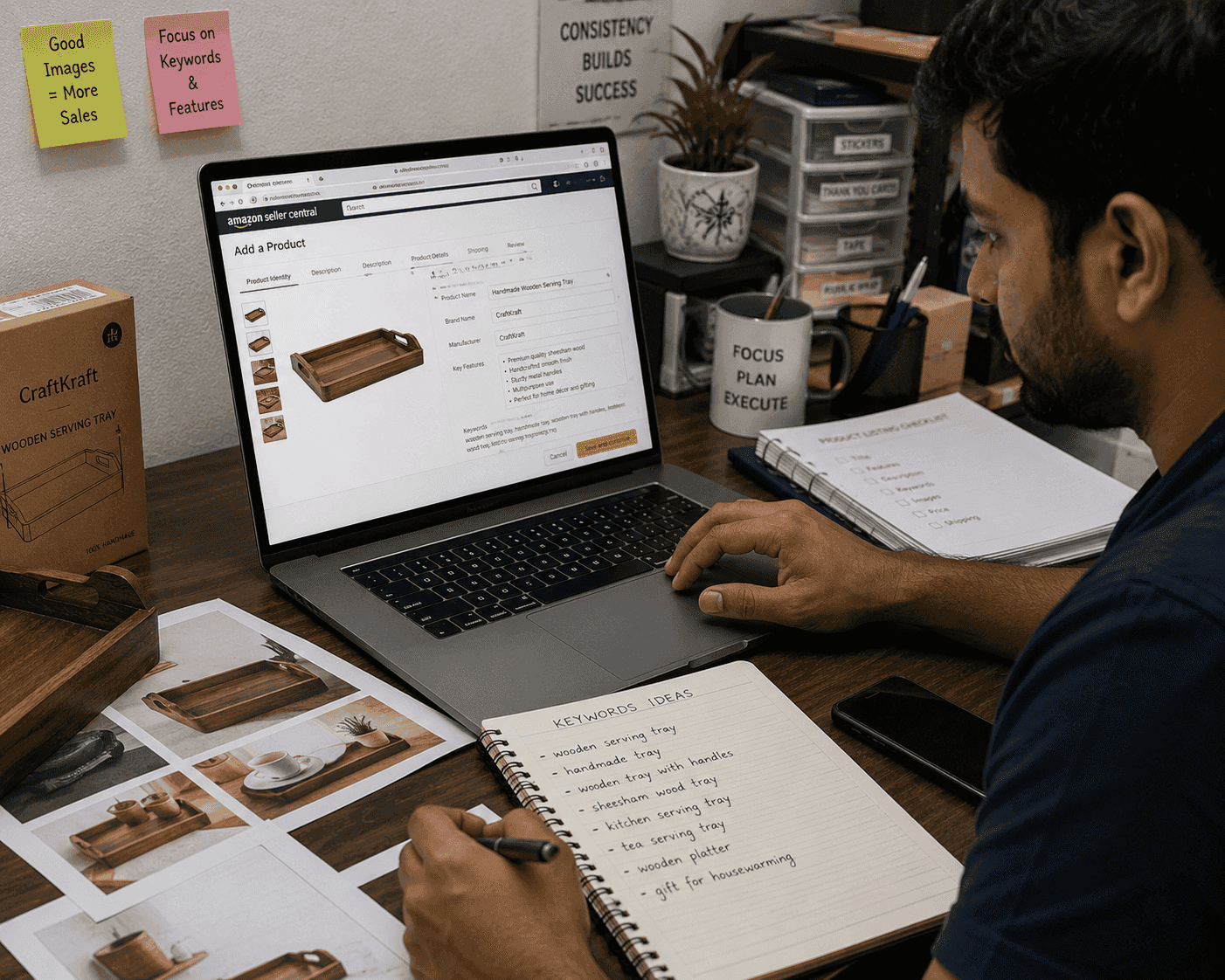
Starting as an online marketplace seller on Amazon and Flipkart in India is not just about listing products. It requires choosing the right business model, obtaining mandatory GST and other registrations, setting up seller accounts, planning sourcing and pricing, creating strong listings, and building reliable operations.
This guide explains how to start an online marketplace seller business in India, focusing on Amazon and Flipkart, and how Zopkit can support the wider business structure behind your marketplace operations.
Table of Contents
- Choose your marketplace seller business model
- Set up registrations and compliance
- Register as a seller on Amazon.in
- Register as a seller on Flipkart
- Decide products, sourcing, and pricing
- Create strong product listings
- Plan fulfilment, shipping, and returns
- Organize operations, support, and metrics
- Use tools and Zopkit to manage the business
- Prepare for growth
1. Choose Your Marketplace Seller Business Model
The first step is deciding what kind of marketplace seller you want to be.
Common models:
- Reseller of branded products
- Private-label or own-brand seller
- Manufacturer selling directly
- Category‑focused seller (electronics, fashion, home, beauty, etc.)
- Niche seller (regional products, eco‑friendly, artisanal, etc.)
Decide your entity type:
- Individual or sole proprietorship
- Partnership firm
- LLP
- Private limited company
Choose based on:
- How many people are investing or owning the business
- Whether you plan to raise funding or add partners later
- Tax and compliance flexibility
Clarify:
- Your initial product categories
- Where you will store inventory
- How quickly you can dispatch orders
A clear business model helps you set realistic starting goals and choose the right sourcing and pricing strategy.
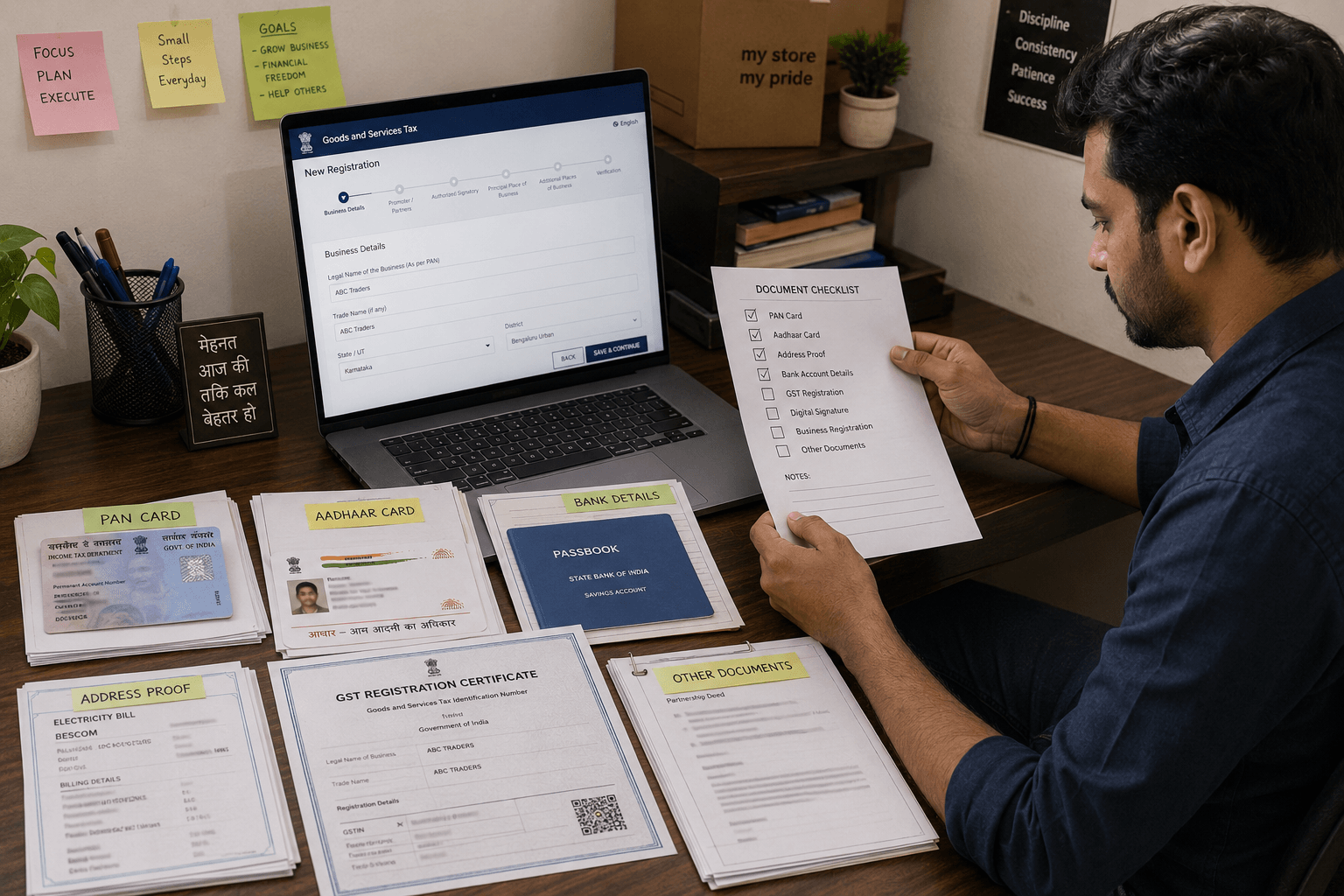
2. Set Up Registrations and Compliance
Marketplace sellers in India must comply with GST rules for e‑commerce, plus basic identity and bank requirements.
Key registrations and documents:
- PAN card of the proprietor or business entity.
- GST registration (GSTIN) – mandatory for selling through e‑commerce platforms, regardless of turnover
- Bank account in the business or seller’s name, with cancelled cheque or bank statement as proof.
- Proof of business address (electricity bill, rent agreement, property tax receipt).
- Aadhaar linked to a mobile number for OTP verification (especially for GST).
- For firms/companies: incorporation documents (partnership deed, Certificate of Incorporation, MOA, etc.).
GST registration:
- Visit the GST portal, choose “New Registration,” and complete business details.
- Upload PAN, Aadhaar, address proof, bank proof, and business constitution documents.
- After verification, you receive a GSTIN needed for marketplace onboarding.
Without GSTIN, Amazon and Flipkart will not activate your seller account.
3. Register as a Seller on Amazon.in
Amazon India uses a guided Seller Central onboarding flow.
Basic steps:
- Go to sell.amazon.in and click “Start Selling”.
- Sign in with an existing Amazon account or create a new one with email, mobile number, and password; verify via OTP.
- Enter GST number and business phone number; upload GSTIN certificate if required.
- Provide store name, business address, and pickup address that matches or is linked to your GST registration state.
- Add bank account details for payouts (account number and IFSC).
- Complete identity verification, which may include document uploads and video KYC.Choose a shipping method (Fulfilment by Amazon, Easy Ship, or self‑ship).
- List at least one product and click “Launch store and start selling”.
Once approved, you can access Amazon Seller Central for listing, pricing, orders, and reports.
4. Register as a Seller on Flipkart
Flipkart uses Seller Hub and requires a simpler but structured onboarding.
Basic steps:
- Visit seller.flipkart.com and click “Start Selling”.
- Enter your mobile number and verify via OTP; provide an email ID.
- Fill in business details: legal name, registered address, pickup PIN code, and product categories.
- Upload required documents: PAN, GSTIN, bank account details, identity proof, and address proof depending on entity type.
- Flipkart verifies documents, then allows you to complete your seller profile (store name, pickup address).
- Add your first product listings to enable the account fully.
Documentation is similar to Amazon but processed through Flipkart Seller Hub.
5. Decide Products, Sourcing, and Pricing
Once registrations are ready, decide what to sell and how to source it.
Product decisions:
- Start with a focused category (e.g., kitchen, fashion, beauty, home, electronics accessories) rather than many unrelated products.
- Check marketplace restrictions and compliance requirements for certain categories (food, cosmetics, electronics, kids products)
Sourcing options:
- Wholesale markets and distributors
- Manufacturer partnerships
- Private label via OEM manufacturers
- Your own production
Pricing must consider:
- Product cost
- GST and other taxes
- Marketplace commission/referral fees
- Shipping and packaging costs
- Returns and customer service
- Advertising spend (sponsored listings)
Marketplaces publish fee structures by category; use these to estimate margins before listing.
6. Create Strong Product Listings
Listings determine visibility and conversion inside the marketplace.
For Amazon and Flipkart:
- Titles: Clear, descriptive, keyword‑rich titles (e.g., “Stainless Steel Water Bottle 1L – Leakproof – Silver”).
- Images: High‑quality images on clean backgrounds, multiple angles, and in‑use shots where relevant.
- Bullets and descriptions: Explain features, benefits, materials, usage, and care in simple language.
- Specifications: Fill structured fields (size, weight, colour, technical specs) so filters work correctly.
- Pricing and stock: Enter accurate price and quantity; keep stock updated to avoid cancellations.
Optimization:
- Use keywords customers actually search for, based on marketplace suggestions and competitor listings.sell.
- Monitor performance (views, conversion, returns) and refine titles, images, and copy over time.
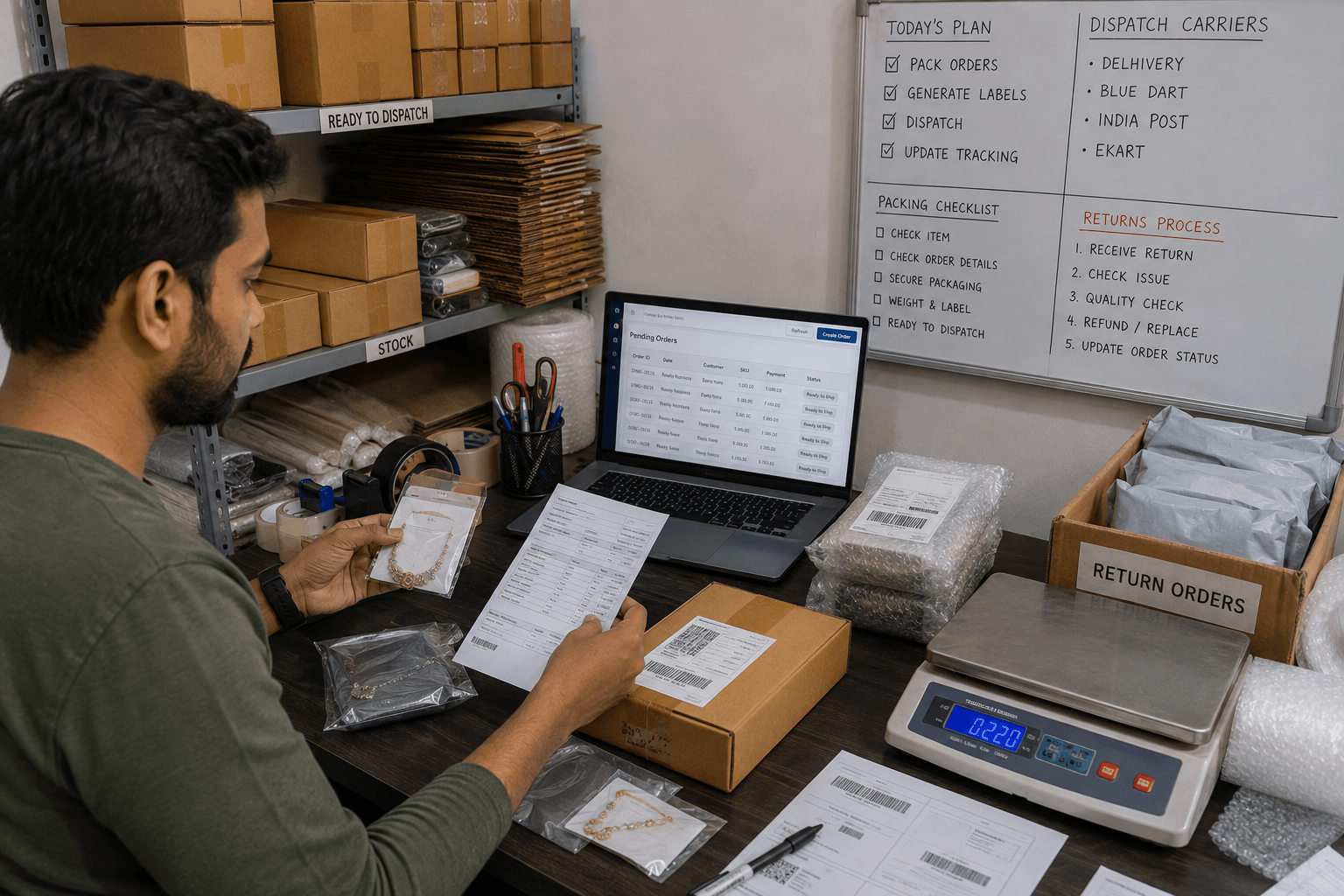
7. Plan Fulfilment, Shipping, and Returns
Operations determine whether selling on marketplaces feels manageable or chaotic.
On Amazon:
- FBA (Fulfilment by Amazon) – Amazon stores, packs, and ships products; improves Prime eligibility and trust but adds storage/fulfilment fees.
- Easy Ship – you store and pack; Amazon logistics handle delivery.
- Self‑ship – you manage shipping via your chosen couriers.
On Flipkart:
- Flipkart’s logistics partners pick up products from your registered pickup address and deliver them; you focus on packing and handing over on time.
Plan:
- Packaging materials and standards to reduce damage.
- Dispatch times that you can reliably meet.
- Clear understanding of return and replacement rules for each category.
Reliable fulfilment and fair handling of returns are key for seller ratings and long‑term visibility.
8. Organize Operations, Support, and Metrics
Even a small marketplace business benefits from simple daily routines and basic tracking.
Daily tasks:
- Check new orders and confirm stock.
- Pack and dispatch shipments within promised timelines.
- Update stock if sales happen outside the marketplace.
- Review customer messages and respond politely and quickly.
Weekly/monthly metrics:
- Orders and revenue per marketplace
- Cancellation and return rates
- Average order value
- Ad spend vs sales (for sponsored listings)
- Top‑selling SKUs and slow movers
Use these metrics to decide pricing changes, listing improvements, and product discontinuations.
Good documentation and routines reduce mistakes and make future growth easier.
9. Use Tools and Zopkit to Manage the Business
Marketplaces provide dashboards for listings and orders, but broader business management often needs extra tools.
Useful systems:
- Simple accounting or finance system for invoices, expenses, and profitability
- CRM or customer database where allowed (for off‑market relationships and service)
- Task/project tracking for catalog work, sourcing, and launches
- HR records for any staff helping with operations, packing, or support
Zopkit can act as the wider backbone:
- Zopkit CRM: Track customer segments, service issues, and campaigns where external relationships exist.
- Zopkit Finance: Record invoices, marketplace payouts, supplier bills, expenses, cash flow, budgets, and profitability.
- Zopkit Project Management: Coordinate product launches, listing optimization projects, sourcing initiatives, and operations improvements.
- Zopkit HRMS: Manage staff roles, attendance, and payroll for catalog, packing, and support teams.
- Zopkit Academy: Host training for marketplace rules, packing SOPs, listing standards, and customer communication.
This keeps the marketplace business connected to your broader operations instead of running only inside each marketplace’s dashboard.
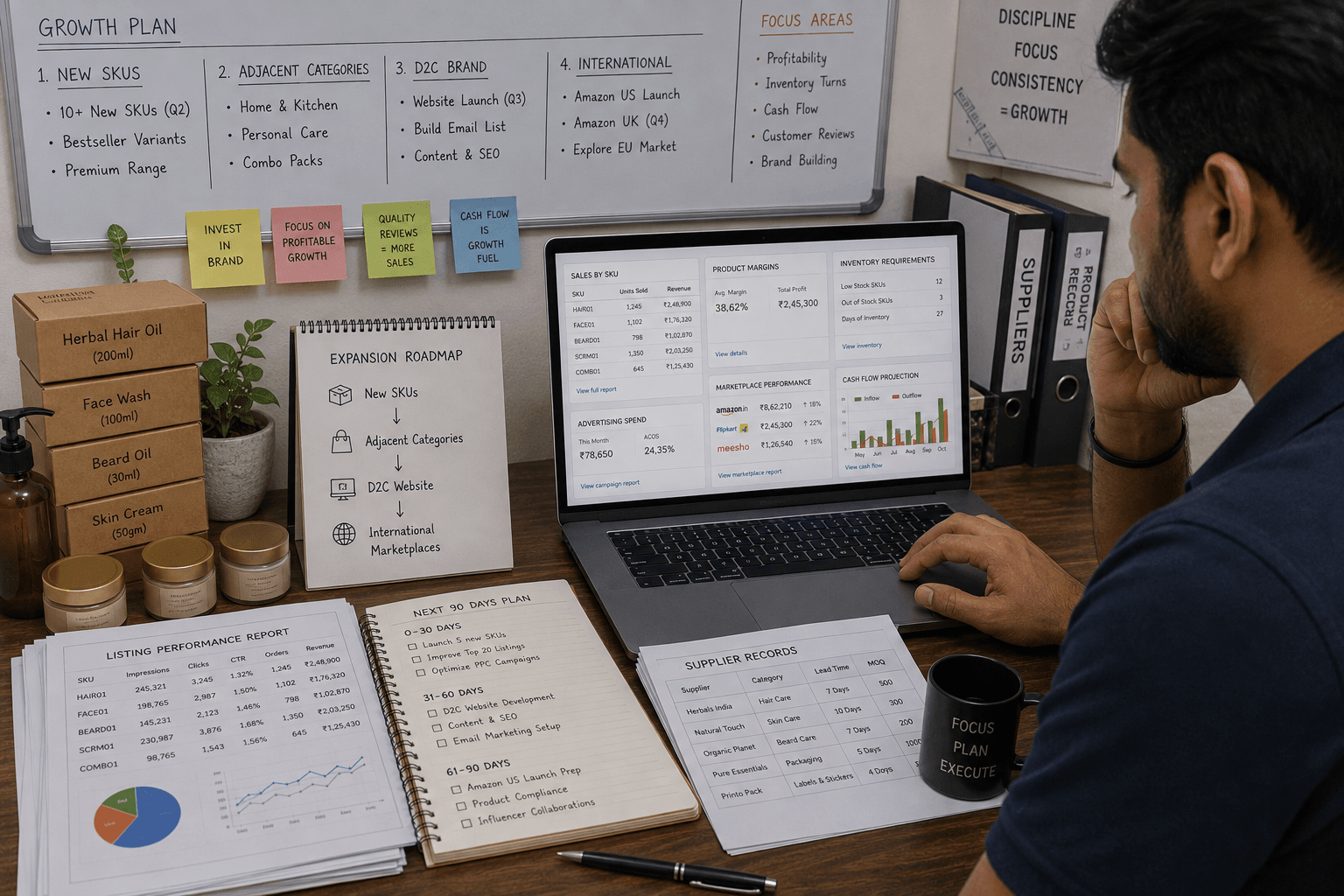
10. Prepare for Growth
Once your marketplace seller business is stable, consider gradually expanding.
Possible growth paths:
- Add more SKUs in your current category.
- Enter adjacent categories that match your brand.
- Improve listing quality and run sponsored ads carefully.
- Expand to international marketplaces where feasible.
- Build your own website or D2C presence alongside marketplaces.
Before each step, confirm that:
- Your current listings are accurate and compliant.
- Fulfilment and returns are under control.
- Cash flow can support more inventory and ad spend.
- You understand margins by product and channel.
Controlled growth from a stable base is safer than listing many products with weak operations.
Conclusion
Starting as an online marketplace seller on Amazon and Flipkart in India requires more than creating an account and uploading a few products. You need a clear business model, proper GST and compliance, carefully set up seller accounts, good product selection and sourcing, strong listings, reliable packing and shipping, and simple daily routines to manage orders and returns.sell.amazon
As the business grows, connecting marketplace operations with broader CRM, finance, projects, HR, and training makes it easier to handle complexity and scale.
Zopkit supports this wider operating structure, helping marketplace sellers organize customers, money, projects, people, and training as they grow.
Explore how Zopkit can support your marketplace seller business at zopkit.com.