How to Start an Electronics/Mobile Retail Shop Business in India
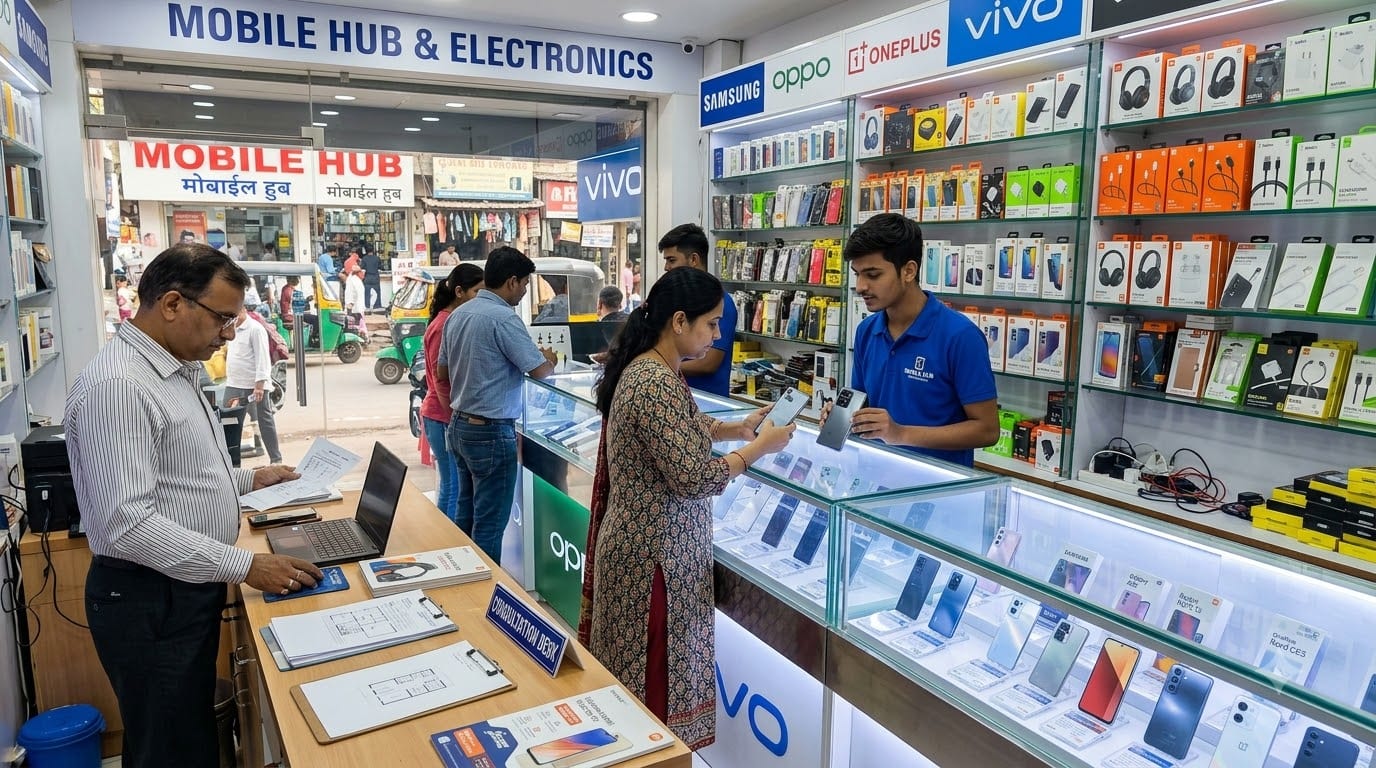
Starting an electronics or mobile retail shop in India is not just about renting a busy shop and displaying phones. It requires careful planning around product selection, distributor relationships, warranty handling, stock security, working capital, accessories, repairs, customer trust, and fast-moving technology trends.
Mobile phones may bring customers into the store, but accessories, services, upgrades, repairs, financing, and repeat customers often influence the overall profitability of the business. A successful store needs strong daily systems because electronics inventory can lose value quickly when new models launch or prices change.
This guide explains how to start an electronics and mobile retail shop business in India, including the business model, location, registrations, investment, suppliers, inventory, staff, marketing, customer service, and how Zopkit can support the business.
Table of Contents
- Choose your electronics retail business model
- Study your local market and customer demand
- Select the right location and store format
- Complete registrations and compliance
- Plan investment and working capital
- Build distributor and supplier relationships
- Manage inventory, billing, and warranty
- Build sales, service, and customer trust
- Use an Electronics Retail ERP to manage operations
- Prepare for long-term growth
1. Choose Your Electronics Retail Business Model
The first step is deciding what kind of electronics store you want to build.
Possible models include:
- Mobile phone retail shop.
- Multi-brand electronics store.
- Smartphone and accessories store.
- Mobile repair and service center.
- Refurbished mobile store.
- Consumer electronics showroom.
- Small electronics and home-appliance store.
- Online and offline electronics business.
A mobile-focused store may sell:
- Smartphones.
- Feature phones.
- Chargers and cables.
- Earphones and headphones.
- Power banks.
- Smartwatches.
- Phone cases and screen protectors.
- Bluetooth speakers.
- Routers and small gadgets.
A larger electronics store may add:
- TVs.
- Laptops.
- Tablets.
- Printers.
- Cameras.
- Gaming products.
- Kitchen appliances.
- Smart-home products.
Do not try to stock every brand and category immediately. Choose your core customer and create a product range around their budget and needs.
For example:
- A college-area store may focus on affordable smartphones, accessories, repairs, and prepaid services.
- A premium high-street store may focus on flagship devices, laptops, smartwatches, and upgrade services.
- A neighborhood store may focus on quick purchases, accessories, repairs, and dependable after-sales support.
A clear model helps you decide how much inventory to hold and which suppliers to approach.
2. Study Your Local Market and Customer Demand
Electronics customers compare prices quickly, so local market research is essential.
Visit nearby stores and study:
- Brands and models available.
- Price ranges.
- Accessory categories.
- Repair and service options.
- EMI or financing offers.
- Exchange policies.
- Customer footfall.
- Store timings.
- Online price comparisons.
- Product availability.
Talk to potential customers and understand:
- Which brands they prefer.
- Their average budget.
- Whether they buy online or offline.
- Whether they want exchange offers.
- Which accessories they purchase with a phone.
- What service problems they face after purchase.
- Whether they prefer a local store for setup and support.
Your advantage may not always be the lowest phone price. It may be:
- Immediate availability.
- Local trust.
- Product comparison.
- Data transfer and setup.
- Repair support.
- Exchange assistance.
- Accessories bundled with the sale.
- Help with warranty claims.
Build a product plan around your area instead of copying the inventory of a large chain.
Customer segment | Potential focus |
|---|---|
Students | Affordable phones, earphones, power banks |
Working professionals | Mid-range and premium smartphones |
Families | Phones, tablets, routers, smart TVs |
Small businesses | Laptops, printers, routers, accessories |
Premium buyers | Flagship phones, smartwatches, premium audio |
Repair customers | Screens, batteries, cables, service parts |
3. Select the Right Location and Store Format
A mobile or electronics store benefits from visibility, accessibility, and nearby customer demand.
Look for:
- High-footfall commercial areas.
- Mobile and electronics markets.
- Shopping streets.
- College and office areas.
- Residential neighborhoods.
- Proximity to repair or service clusters.
- Good lighting and security.
- Parking or easy stopping space.
Before signing a rental agreement, check:
- Commercial-use permission.
- Rent, deposit, lock-in, and escalation terms.
- Signboard permissions.
- Electricity capacity.
- CCTV and security arrangements.
- Fire-safety requirements.
- Storage and stockroom space.
- Delivery and loading access.
The store layout should encourage customers to compare products comfortably.
Use:
- Locked display counters for high-value products.
- Separate sections for phones, accessories, audio, and smart devices.
- Clear price and specification cards.
- A consultation counter.
- A billing and documentation desk.
- A small setup or data-transfer area.
- Secure storage for unopened inventory.
A clean and organized store helps customers trust the authenticity and handling of products.
4. Complete Registrations and Compliance
Choose a suitable business structure:
- Sole proprietorship.
- Partnership firm.
- LLP.
- Private limited company.
- One Person Company.
For a small owner-operated store, a sole proprietorship may be a practical starting point. If multiple people are investing or you plan to operate multiple outlets, consider a structure that supports shared ownership and expansion.
Typical requirements may include:
- Business registration.
- PAN and current account.
- GST registration, where applicable.
- Shops and Establishments registration.
- Local municipal trade license.
- Udyam registration if eligible.
- Trademark registration for your brand name.
- Fire and safety permissions where applicable.
Electronics retailers should also verify product-specific compliance. BIS requirements can apply to certain electronic and IT products, particularly for manufacturers, importers, and products covered under applicable standards. Retailers should maintain proper purchase documentation and source products through authorized channels.
If you sell batteries, chargers, lighting products, or other regulated electronics, verify the relevant obligations. If the business handles collection or disposal of electronic waste, additional e-waste requirements may apply.
Maintain records for:
- Purchase invoices.
- Serial numbers.
- IMEI numbers for mobile phones.
- Warranty documents.
- Returns and replacements.
- Supplier details.
- Tax invoices.
- Customer delivery and payment information.
5. Plan Investment and Working Capital
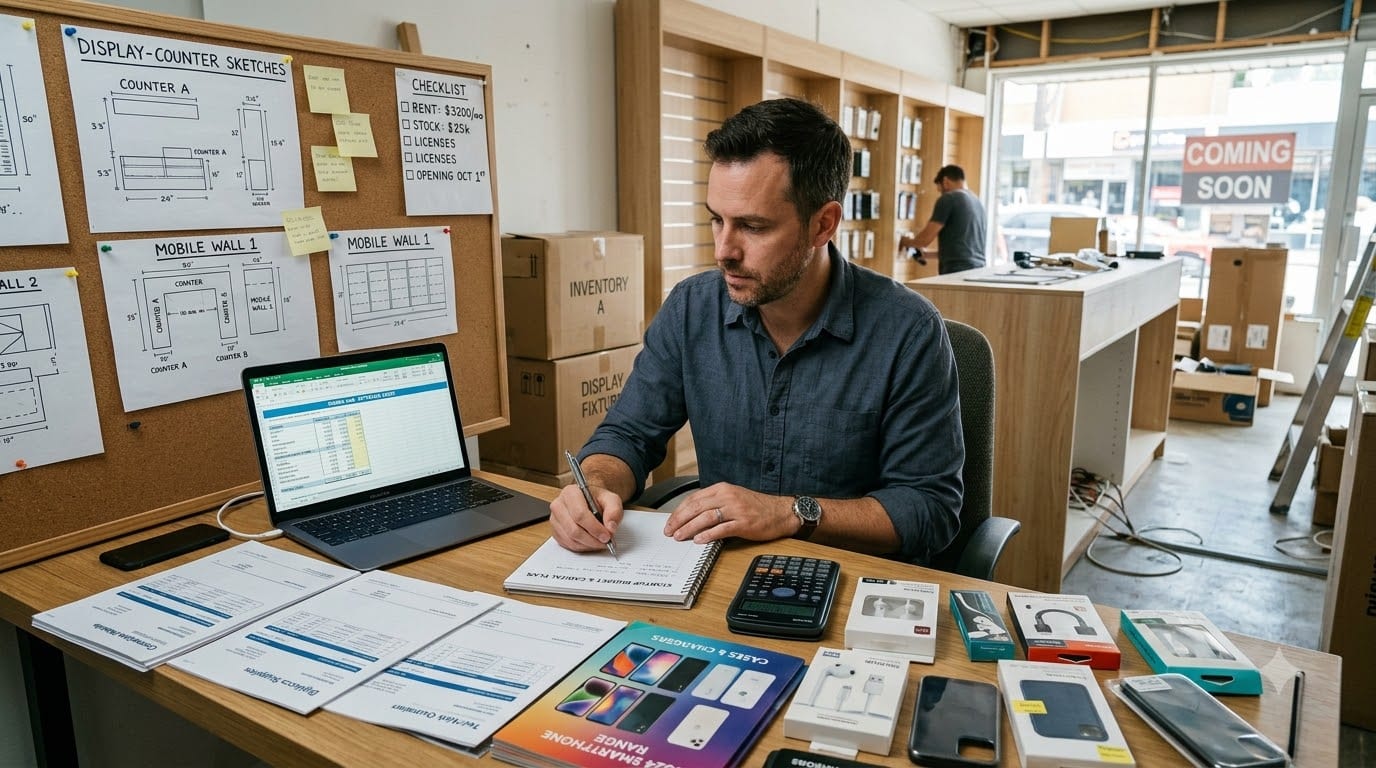
The investment required depends on the store format, location, inventory mix, and whether you offer repairs or delivery.
Initial costs
- Security deposit and rent.
- Store interiors and display counters.
- Security systems and CCTV.
- Billing equipment.
- Initial mobile and electronics inventory.
- Accessories.
- Signage and branding.
- Licenses and professional fees.
- Repair tools, if applicable.
- Marketing and launch costs.
Monthly costs
- Rent.
- Salaries.
- Electricity and internet.
- Security and insurance.
- Delivery expenses.
- Software and billing costs.
- Marketing.
- Loan repayments.
- Repairs and maintenance.
Working capital
Keep cash available for:
- Restocking fast-moving products.
- Managing price changes.
- Paying distributors.
- Handling warranty replacements.
- Supporting exchange offers.
- Paying salaries and rent.
- Responding to new product launches.
Smartphones often have tight margins, while accessories and services may provide better contribution. Industry references commonly report smartphone retail margins around 3%–10%, with accessories often offering higher margins, although actual figures vary by brand, distributor, location, and product.
Do not put the entire budget into expensive phone inventory. Start with a balanced mix of phones, accessories, and services.
6. Build Distributor and Supplier Relationships
Authorized distributors and reliable suppliers are essential for product authenticity, warranty support, pricing, and stock availability.
Evaluate suppliers based on:
- Brand authorization.
- Purchase rates.
- Credit terms.
- Delivery schedule.
- Product availability.
- Warranty process.
- DOA or damaged-product policy.
- Return and replacement terms.
- Promotional schemes.
- Invoice quality.
Maintain records for:
- Supplier contacts.
- Brand and model availability.
- Purchase rates.
- Payment terms.
- Warranty contacts.
- Distributor targets.
- Pending orders.
- Credit limits.
Do not buy from uncertain sources simply because the price is lower. Grey-market products may create problems involving warranty, tax invoices, authenticity, customer complaints, and legal responsibility.
For each phone or high-value product, maintain:
- Model name.
- Storage and colour.
- IMEI or serial number.
- Purchase invoice.
- Purchase date.
- Selling price.
- Customer details.
- Warranty information.
- Delivery status.
For accessories, monitor fast-moving products such as:
- Screen protectors.
- Phone covers.
- Chargers.
- Cables.
- Earphones.
- Power banks.
- Memory cards.
- Smartwatches.
Supplier relationships become stronger when payments are tracked properly and purchase forecasts are shared in advance.
7. Manage Inventory, Billing, and Warranty
Electronics inventory needs stronger controls than many ordinary retail categories because products are high-value, serialized, and vulnerable to price changes.
Track:
- Product model.
- Storage.
- Color.
- IMEI or serial number.
- Purchase cost.
- Selling price.
- Supplier.
- Store location.
- Stock age.
- Warranty period.
- Customer details.
- Sale date.
Review inventory regularly:
- Identify phones that are losing market value.
- Avoid overstocking slow-moving models.
- Reorder products with consistent demand.
- Track accessories separately.
- Keep demo units separate from sale stock.
- Record returns and replacements immediately.
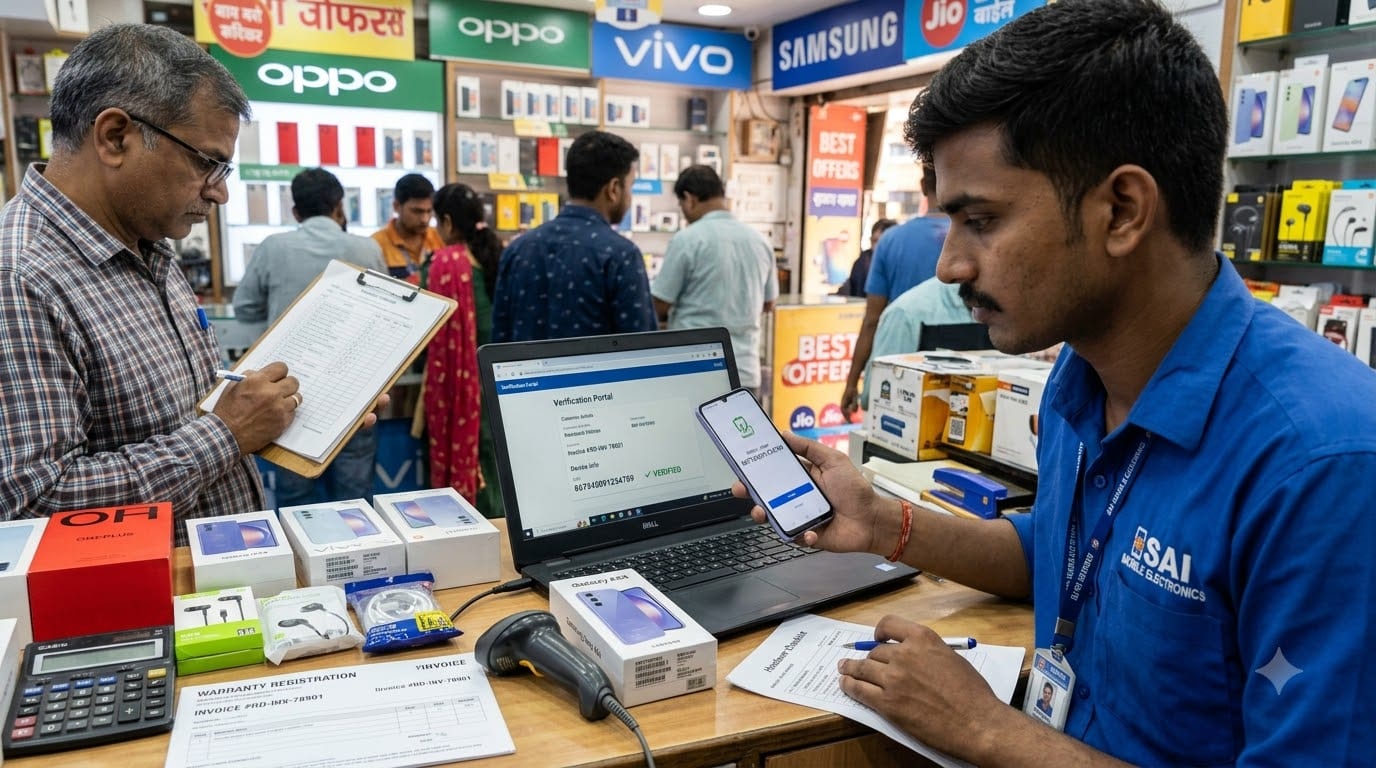
Create a billing and handover process:
- Confirm product and customer details.
- Verify the IMEI or serial number.
- Generate the tax invoice.
- Explain warranty terms.
- Check the device and accessories.
- Complete setup or data transfer if offered.
- Record the customer’s contact details.
- Keep proof of delivery or handover.
8. Build Sales, Service, and Customer Trust
A mobile store can grow by providing help that customers do not receive from online marketplaces.
Offer services such as:
- Product comparison.
- Phone setup.
- Data transfer.
- Screen-protector installation.
- Accessory recommendations.
- Exchange assistance.
- Warranty coordination.
- Basic troubleshooting.
- Repair referrals.
- Delivery for local customers.
Train sales staff to ask:
- What will the phone be used for?
- What is the customer’s budget?
- Is camera, battery, gaming, or storage most important?
- Does the customer need accessories?
- Is the customer upgrading from an older device?
- Does the customer need setup or data transfer?
Customer records can include:
- Previous purchases.
- Preferred brands.
- Upgrade timeline.
- Accessories purchased.
- Warranty issues.
- Repair history.
- Follow-up date.
Use local marketing through:
- Google Business Profile.
- WhatsApp updates.
- New-model announcements.
- Exchange campaigns.
- Student offers.
- Festival promotions.
- Corporate and office partnerships.
- Referral benefits.
Do not rely only on price. Trust, product knowledge, service, and after-sales support can be strong local advantages.
9. Use an Electronics Retail ERP to Manage Operations
As the store grows, separate tools for inventory, billing, suppliers, customers, staff, repairs, and finance can create gaps.
An Electronics Retail ERP should help connect:
- POS and billing.
- Product catalog.
- IMEI and serial-number tracking.
- Inventory.
- Accessories.
- Supplier management.
- Warranty records.
- Customer profiles.
- Repairs and service.
- Payments.
- Store-level reporting.
Zopkit can support the broader business structure through:
- Zopkit CRM: Customer profiles, purchase history, upgrade reminders, warranty follow-ups, and campaigns.
- Zopkit Finance: Invoices, supplier bills, payments, expenses, cash flow, budgets, and profitability.
- Zopkit Project Management: Store setup, product launches, promotional campaigns, repair workflows, and new outlet planning.
- Zopkit HRMS: Employee records, attendance, payroll, roles, and onboarding.
- Zopkit Academy: Product training, sales scripts, customer service, warranty procedures, and billing training.
This allows the store to move from owner-dependent operations to a more organized electronics retail business.
10. Prepare for Long-Term Growth
Once the first store has stable sales and reliable operations, possible growth paths include:
- Opening a second outlet.
- Adding laptop or home-appliance categories.
- Starting a repair and service centre.
- Building local online ordering.
- Serving offices and small businesses.
- Selling refurbished products through a controlled process.
- Adding exchange and upgrade programs.
- Expanding into accessories and smart-home products.
Before expanding, confirm that:
- Inventory records are accurate.
- Supplier payments are controlled.
- Staff can operate the store without constant supervision.
- Warranty and repair processes are reliable.
- Cash flow can support new inventory.
- Customer information is organized.
- Product-level margins are understood.
Expand one category or location at a time. Electronics retail changes quickly, so controlled experimentation is safer than purchasing large quantities across too many categories.
Conclusion
Starting an electronics or mobile retail shop in India requires more than displaying the latest devices. You need a clear customer segment, reliable distributors, strong inventory and serial-number control, proper documentation, trained staff, warranty discipline, and a customer experience that gives people a reason to buy locally.
The store should help customers compare products, complete setup, access accessories, manage exchanges, and receive support after purchase. As the business grows, a connected Electronics Retail ERP-style structure becomes increasingly valuable.
Zopkit supports the wider operating system through CRM, Finance, Project Management, HRMS, and Academy, helping electronics retailers organize customers, stock, suppliers, payments, staff, service, and training.
Explore how Zopkit can support your electronics and mobile retail business at zopkit.com.