How to Grow an Electronics/Mobile Retail Shop Business in India
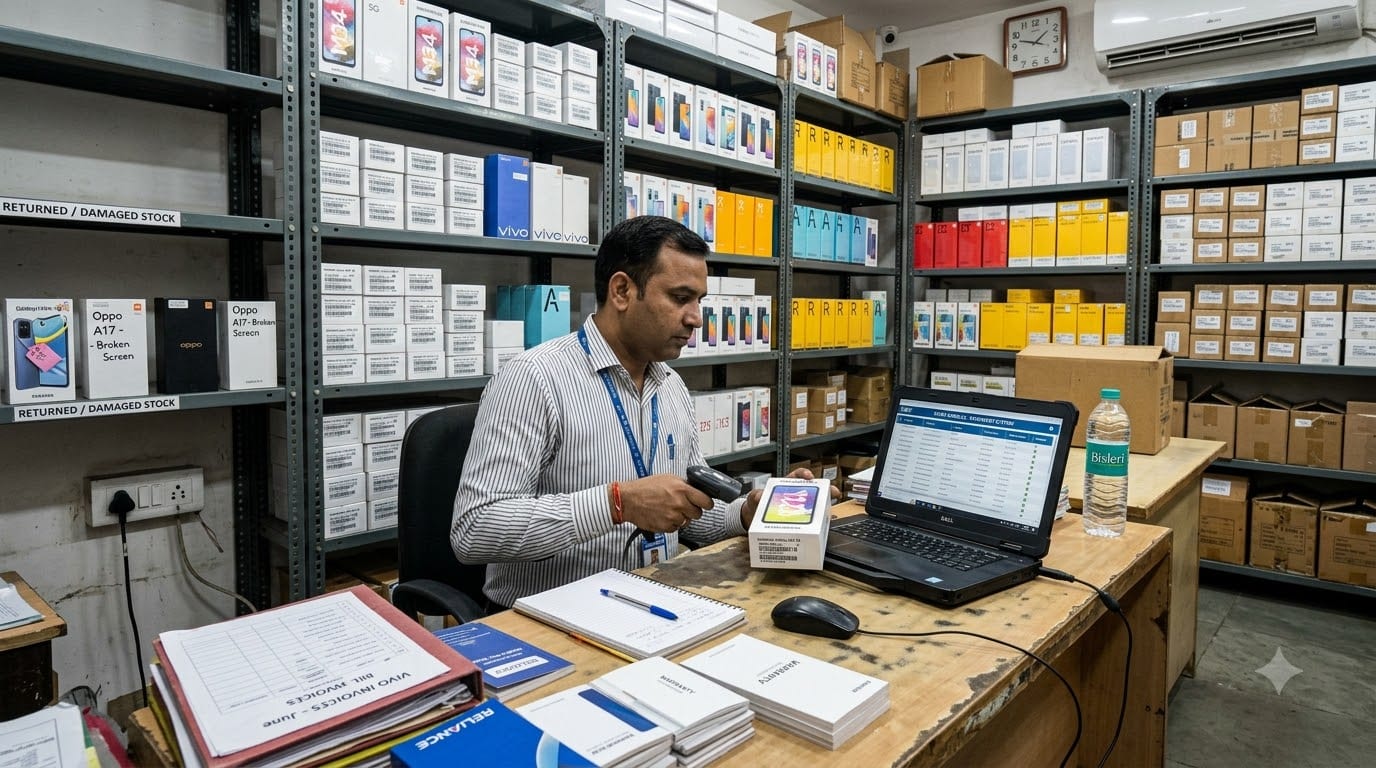
Starting an electronics or mobile retail shop begins with selecting the right location, finding reliable distributors, building a suitable product range, managing IMEI and warranty records, and creating trust with customers.
If you are still deciding your store model, arranging registrations, planning investment, selecting suppliers, or preparing your first inventory, begin with the guide below.
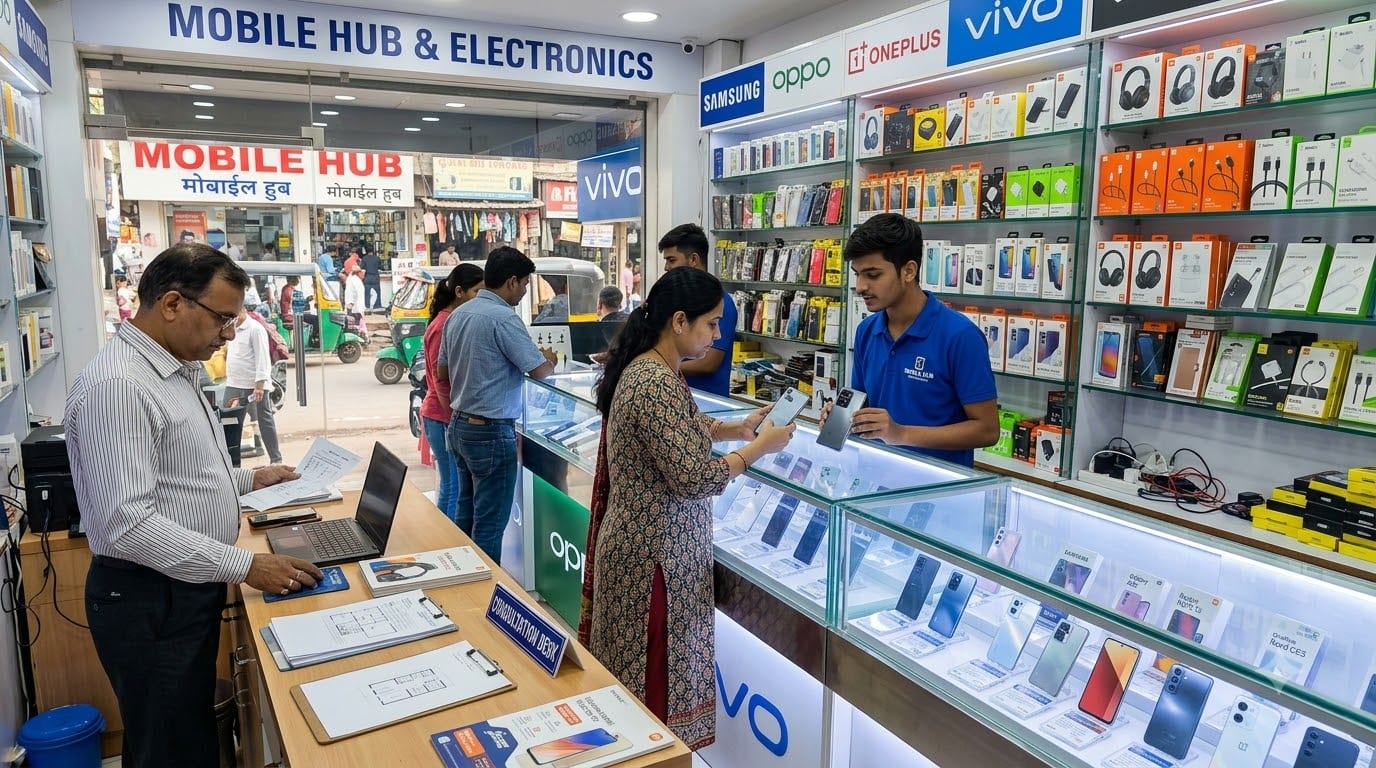
Related Guide:
How to Start an Electronics/Mobile Retail Shop Business in India
Use this guide to understand:
- Store models and product categories.
- Market research.
- Location and showroom setup.
- Registrations and compliance.
- Investment and working capital.
- Distributor selection.
- Inventory, billing, and warranty basics.
Once the shop is running, the next challenge is growth. Growing an electronics or mobile retail store means improving product turnover, increasing accessory and service revenue, managing warranty and exchange experiences, building repeat customers, and creating better inventory and cash-flow control.
If you are still trying to improve sales, product movement, supplier management, customer service, or store operations, refer to the guide below before focusing on expansion.
After starting and growing the business, the next question is how to scale without losing control.
Scaling an electronics or mobile retail shop is not simply about opening another outlet or adding more phone brands. It means building a repeatable business that can manage high-value inventory, changing product prices, serial numbers, warranty cases, suppliers, employees, repairs, and customers across more than one location or sales channel.
The store that grows successfully is not always the one offering the lowest price. It is often the one that provides dependable products, useful advice, quick setup, accessories, warranty support, and a smoother customer experience.
This guide explains how to move from a functioning mobile shop to a more organized and scalable electronics retail business.
Table of Contents
- Confirm that the first store is ready
- Standardize the customer experience
- Build a profitable product and accessory mix
- Strengthen inventory and IMEI control
- Build after-sales and warranty systems
- Add digital and omnichannel sales
- Improve supplier and cash-flow control
- Build a team-led operating structure
- Use an Electronics Retail ERP to manage scale
- Plan a phased expansion roadmap
1. Confirm That the First Store Is Ready
Opening a second outlet before the first store is stable can multiply problems instead of revenue.
Before expanding, review whether the current store has:
- Stable monthly sales.
- Predictable cash flow.
- Reliable distributors.
- Accurate stock and IMEI records.
- Controlled warranty and return processes.
- Strong accessory and service sales.
- Repeat customers and referrals.
- Trained staff.
- A manager or senior employee who can run daily operations without constant owner supervision.
Track performance by category:
Metric | What it tells you |
|---|---|
Phone sales | Main revenue and customer demand |
Accessory sales | Cross-sell and margin potential |
Repair or setup income | Service contribution |
Average bill value | Customer spending per visit |
Stock age | Risk of price reduction |
Warranty cases | Product and service quality |
Cash flow | Ability to fund more inventory |
Repeat customers | Strength of customer relationship |
If the store sells phones but does not generate enough accessory, service, or repeat revenue, opening another outlet may increase costs without improving profitability.
Before expansion, make sure the first store has a repeatable operating model.
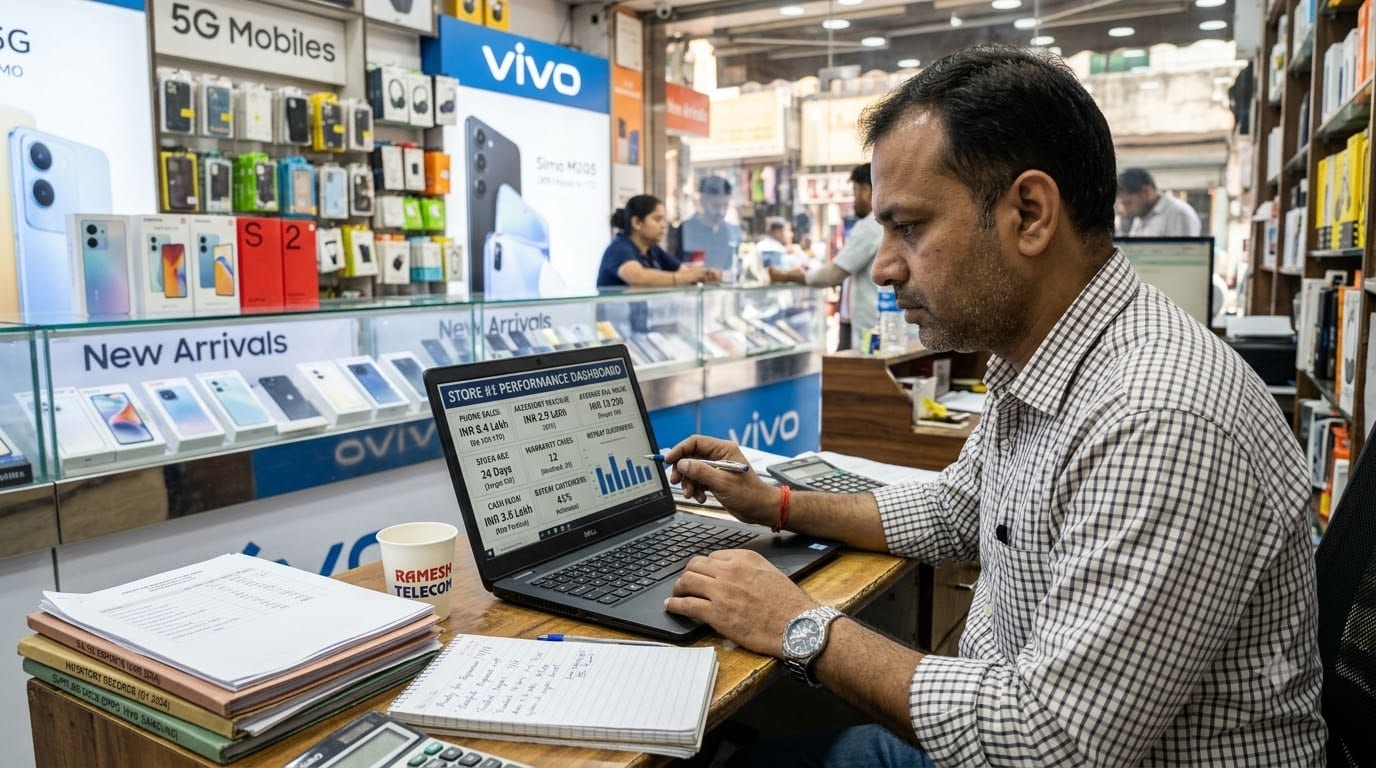
2. Standardize the Customer Experience
A scalable electronics brand needs a consistent way to serve customers.
Document how staff should handle:
- Customer greeting.
- Requirement discovery.
- Product comparison.
- Price and offer explanation.
- Exchange evaluation.
- Accessory recommendation.
- Data transfer and setup.
- Invoice and warranty handover.
- Complaint escalation.
Train staff to ask:
- What is the customer’s budget?
- What will the device be used for?
- Is camera, battery, gaming, storage, or performance most important?
- Is the customer upgrading from an older device?
- Do they need a case, screen protector, charger, or earphones?
- Do they need data transfer or setup support?
Do not let every sales executive follow a completely different process. Customers should receive the same level of clarity and service whether they visit the owner, a senior salesperson, or a new employee.
Standardize:
- Product comparison sheets.
- Exchange rules.
- Discount approval.
- Warranty explanation.
- Setup charges.
- Return and replacement communication.
- Daily store opening and closing.
Zopkit Project Management can help organize store SOPs, promotional campaigns, product launches, service workflows, and recurring reviews.
3. Build a Profitable Product and Accessory Mix
Phones may bring customers into the store, but the product mix determines how much value the store creates from each visit.
Build your range around:
- Entry-level smartphones.
- Mid-range smartphones.
- Premium phones.
- Feature phones where relevant.
- Phone cases.
- Screen protectors.
- Chargers and cables.
- Earphones and headphones.
- Power banks.
- Smartwatches.
- Bluetooth speakers.
- Routers and other useful devices.
Review products by role:
- Traffic products: Popular phones that attract customers.
- Profit products: Accessories and services with stronger contribution.
- Premium products: Flagship devices and high-value electronics.
- Repeat products: Cables, cases, screen protectors, and replacement accessories.
- Service products: Setup, data transfer, repairs, and warranty assistance.
Use bundles to improve the customer experience:
- Phone + case + screen protector.
- Phone + charger + cable.
- Phone + earbuds.
- Router + setup service.
- Smartwatch + protection accessory.
Do not force irrelevant accessories. Recommend products that protect the customer’s purchase or make it easier to use.
Review slow-moving models quickly because electronics can lose value when new models or price changes enter the market.
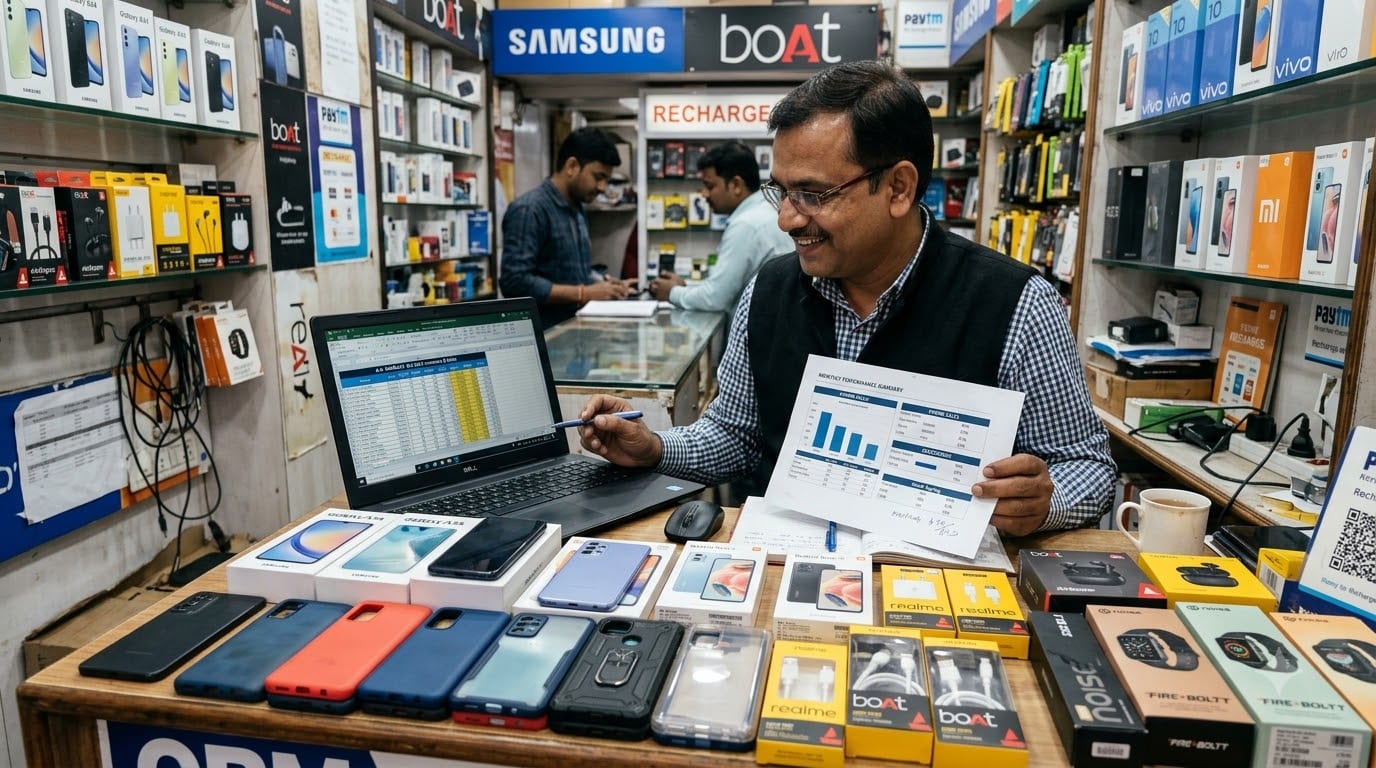
4. Strengthen Inventory and IMEI Control
Electronics inventory needs stronger controls than ordinary retail because every high-value unit may have a unique serial number or IMEI.
Track:
- Brand.
- Model.
- Storage.
- Color.
- IMEI or serial number.
- Purchase cost.
- Selling price.
- Supplier.
- Store location.
- Stock age.
- Warranty period.
- Customer details.
- Sale date.
Use clear stock categories:
- New saleable stock.
- Display stock.
- Returned stock.
- Damaged stock.
- Warranty stock.
- Repair stock.
- Reserved stock.
Conduct regular checks:
- Daily verification of high-value sales.
- Weekly serial or IMEI review.
- Monthly stock reconciliation.
- Immediate recording of returns and adjustments.
- Separate tracking of demo products.
A proper purchase-to-sale process should connect:
Supplier bill → Stock entry → IMEI capture → Sale invoice → Warranty record → Return or service history
Electronics retail systems commonly use serial or IMEI-level tracking, warranty management, branch inventory, and product lifecycle reporting to reduce stock errors and improve accountability.
Zopkit Finance can help organize purchasing, supplier bills, payments, and financial records, while a suitable Electronics Retail ERP setup should be used for detailed product, serial, and warranty tracking.
5. Build After-Sales and Warranty Systems
A customer’s experience does not end when the phone is billed.
Useful after-sales services include:
- Device setup.
- Data transfer.
- Screen-protector installation.
- Accessory replacement.
- Warranty coordination.
- Basic troubleshooting.
- Repair referrals.
- Exchange assistance.
- Follow-up after purchase.
Create a warranty workflow:
- Record the customer and product details.
- Capture the IMEI or serial number.
- Store the invoice and warranty information.
- Record the issue.
- Assign the case to the right person.
- Track supplier or service-centre communication.
- Update the customer.
- Close the case after resolution.
Many stores lose trust because customers do not know what is happening after a warranty issue is raised. Give customers clear expectations about timelines, documents, and next steps.
Maintain customer records for:
- Product purchased.
- Purchase date.
- Warranty period.
- Accessories purchased.
- Repair history.
- Upgrade timeline.
- Preferred brands.
This information creates future opportunities for upgrades, accessories, and referrals.
6. Add Digital and Omni channel Sales
Customers may discover a phone on Instagram, compare its specifications online, ask questions on WhatsApp, and visit the store to complete the purchase.
Connect your channels:
- Google Business Profile for local discovery.
- Instagram for product launches and offers.
- WhatsApp for availability and customer questions.
- Website or catalog for product information.
- Store for demonstration, purchase, and setup.
Keep information consistent across channels:
- Product name.
- Variant.
- Price.
- Offers.
- Warranty.
- Availability.
- Exchange terms.
- Delivery or pickup details.
You can also offer:
- Reserve online and collect in store.
- WhatsApp-based quotations.
- Local delivery.
- Pre-order notifications.
- Upgrade reminders.
- Online accessory ordering.
Omnichannel retail works best when inventory, orders, and customer information are connected instead of managed separately. Integrated inventory helps customers find products across store and online channels while improving replenishment and fulfillment visibility.
Do not expand to every channel immediately. Start with one digital channel, measure the results, and improve the process before adding another.
7. Improve Supplier and Cash-Flow Control
As the business grows, supplier and finance management become more complicated.
Track suppliers based on:
- Brand authorization.
- Purchase rates.
- Credit terms.
- Delivery reliability.
- Warranty support.
- Replacement policy.
- Promotional schemes.
- Product availability.
Create a purchase process:
- Review current stock.
- Check product demand and stock age.
- Identify reorder requirements.
- Compare supplier terms.
- Create a purchase order.
- Receive and verify goods.
- Capture serial or IMEI details.
- Record the supplier bill.
- Schedule payment.
Review cash flow by considering:
- Inventory purchases.
- Price drops.
- Supplier dues.
- Customer refunds.
- Warranty replacements.
- Rent and staff costs.
- Marketing.
- Loan or financing obligations.
Do not overbuy expensive phones to create a larger-looking store. Buy based on sales velocity, supplier terms, launch calendars, and actual demand.
Zopkit Finance can help track customer invoices, supplier bills, payments, expenses, cash flow, budgets, and profitability. This gives the owner a clearer view of whether growth is improving business performance or only increasing inventory value.
8. Build a Team-Led Operating Structure
A small mobile shop may depend on the owner for every sale, purchase, and warranty decision. That approach becomes a bottleneck as the store grows.
Create clear responsibilities for:
- Sales.
- Billing.
- Product setup.
- Accessory merchandising.
- Stock receiving.
- IMEI verification.
- Warranty coordination.
- Repairs.
- Customer follow-up.
- Daily closing.
Train staff on:
- Product comparison.
- Honest selling.
- Exchange policies.
- Invoice and warranty handover.
- Digital payment procedures.
- Data privacy during device setup.
- Complaint handling.
- Stock security.
Use weekly reviews to discuss:
- Sales by employee.
- Accessory attachment.
- Customer complaints.
- Warranty cases.
- Stock differences.
- Pending supplier payments.
- Product requests.
Zopkit HRMS can help organize employee records, attendance, shifts, payroll, leave, onboarding, and responsibilities. Zopkit Academy can be used for product training, sales scripts, warranty processes, and customer-service modules.
A store becomes scalable when employees can follow clear processes without asking the owner about every small decision.
9. Use an Electronics Retail ERP to Manage Scale
As the business grows, separate systems for billing, IMEI tracking, suppliers, warranties, customer records, repairs, staff, and finance create operational gaps.
An Electronics Retail ERP should help connect:
- POS and billing.
- Product catalog.
- IMEI and serial numbers.
- Inventory.
- Accessories.
- Suppliers.
- Purchase orders.
- Warranty cases.
- Customer profiles.
- Repairs and service.
- Payments.
- Multi-store reporting.
Zopkit can support the wider business structure through:
- Zopkit CRM: Customers, upgrade reminders, warranty follow-ups, purchase history, and campaigns.
- Zopkit Finance: Invoices, supplier bills, payments, expenses, cash flow, budgets, and profitability.
- Zopkit Project Management: Product launches, promotional campaigns, repair workflows, store setup, and new outlet planning.
- Zopkit HRMS: Employee records, attendance, payroll, roles, and onboarding.
- Zopkit Academy: Product knowledge, sales training, customer service, billing, and warranty procedures.
The objective is to create one operating view of the customer journey, from product inquiry and purchase to setup, warranty, service, and future upgrade.
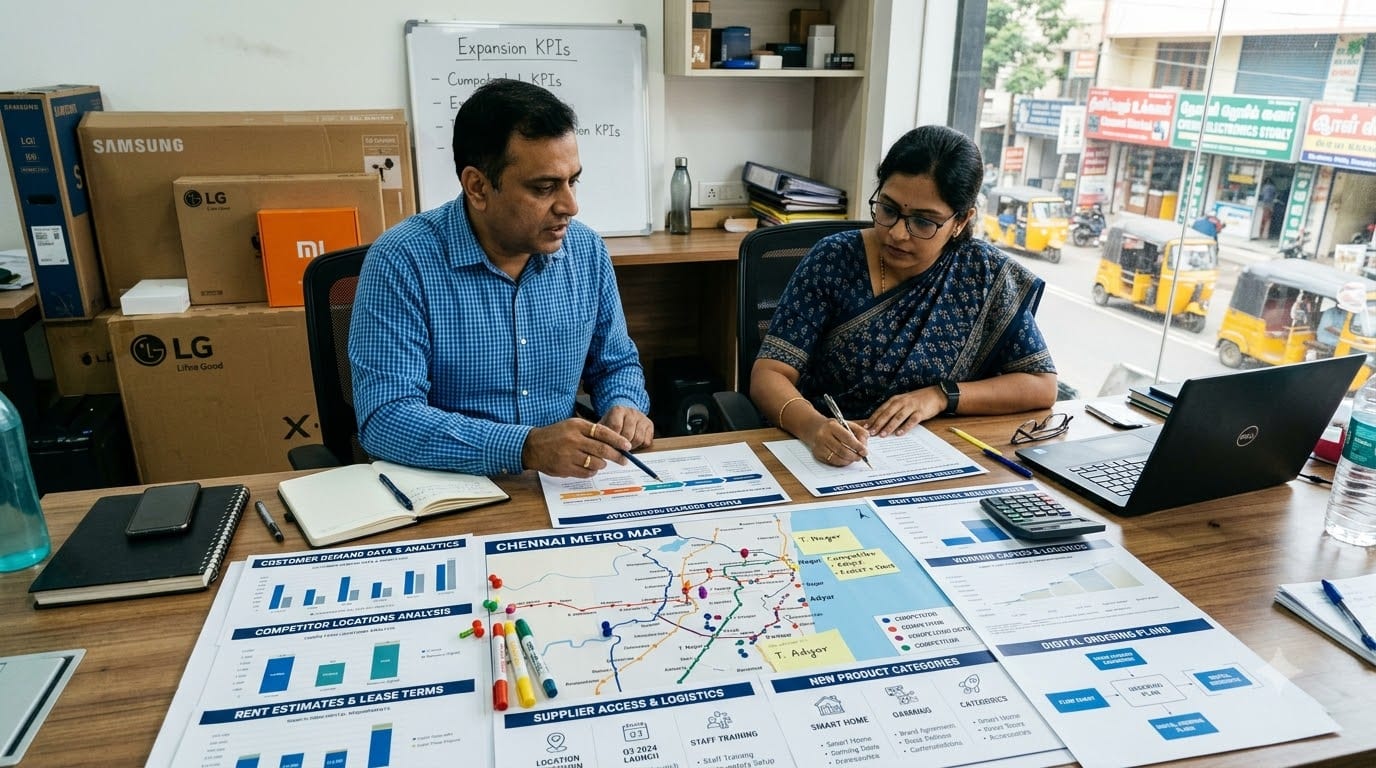
10. Plan a Phased Expansion Roadmap
Do not expand every category or open multiple outlets at the same time.
Phase 1: Stabilize the first store
Improve:
- Product mix.
- Accessory attachment.
- IMEI and stock accuracy.
- Warranty handling.
- Cash flow.
- Staff performance.
Phase 2: Add services
Introduce:
- Setup and data transfer.
- Screen-protector installation.
- Repair coordination.
- Exchange assistance.
- Upgrade reminders.
Phase 3: Build digital ordering
Add:
- WhatsApp product availability.
- Online catalog.
- Local delivery.
- Reserve-and-collect.
- Product launch notifications.
Phase 4: Expand categories
Add products only when demand and margins are clear:
- Laptops.
- Tablets.
- Smartwatches.
- Home appliances.
- Gaming products.
- Smart-home electronics.
Phase 5: Open another outlet
Choose the location based on:
- Customer demand.
- Delivery orders.
- Local competition.
- Rent.
- Supplier access.
- Available working capital.
Phase 6: Build a recognizable electronics brand
Standardize:
- Store layout.
- Product range.
- Pricing and offers.
- Warranty communication.
- Staff training.
- Customer support.
- Reporting.
Expansion should follow operational readiness, not just the availability of a new shop.
Conclusion
Growing an electronics or mobile retail shop in India is not simply about selling more phones. It is about building a complete customer relationship around every purchase through product advice, accessories, setup, warranty support, repairs, upgrades, and after-sales service.
The business becomes easier to grow when stock, IMEI records, suppliers, customers, warranties, staff, payments, and campaigns are connected through clear processes.
Zopkit supports the wider operating backbone through CRM, Finance, Project Management, HRMS, and Academy, helping electronics retailers manage customers, payments, projects, staff, and training as the business expands.
Explore how Zopkit can support your electronics and mobile retail business at zopkit.com.