How to Scale a Grocery/Kirana Store Business in India
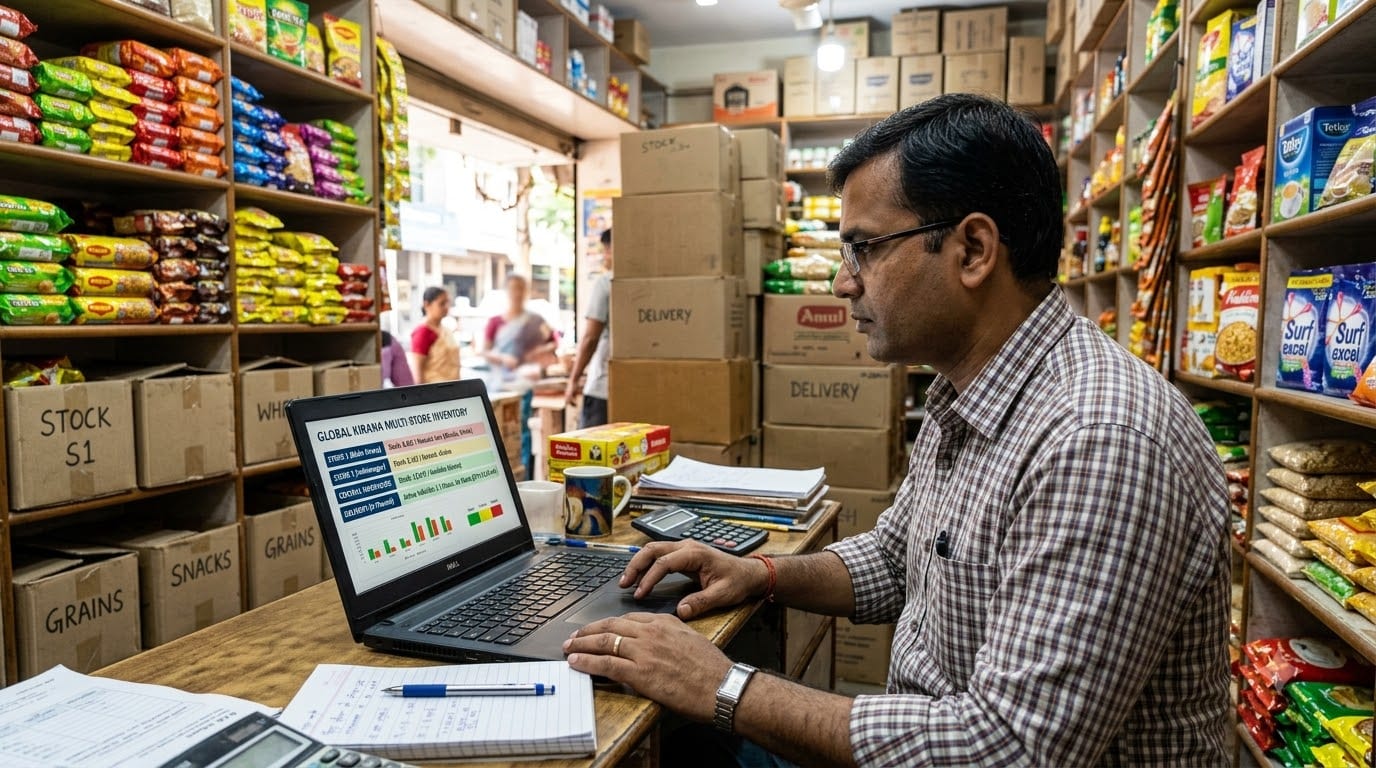
Starting a grocery or kirana store begins with choosing the right location, understanding neighborhood demand, completing the required registrations, building supplier relationships, and stocking products customers purchase regularly.
If you are still setting up your store, arranging licenses, planning investment, choosing suppliers, or deciding what products to stock, begin with the guide below.
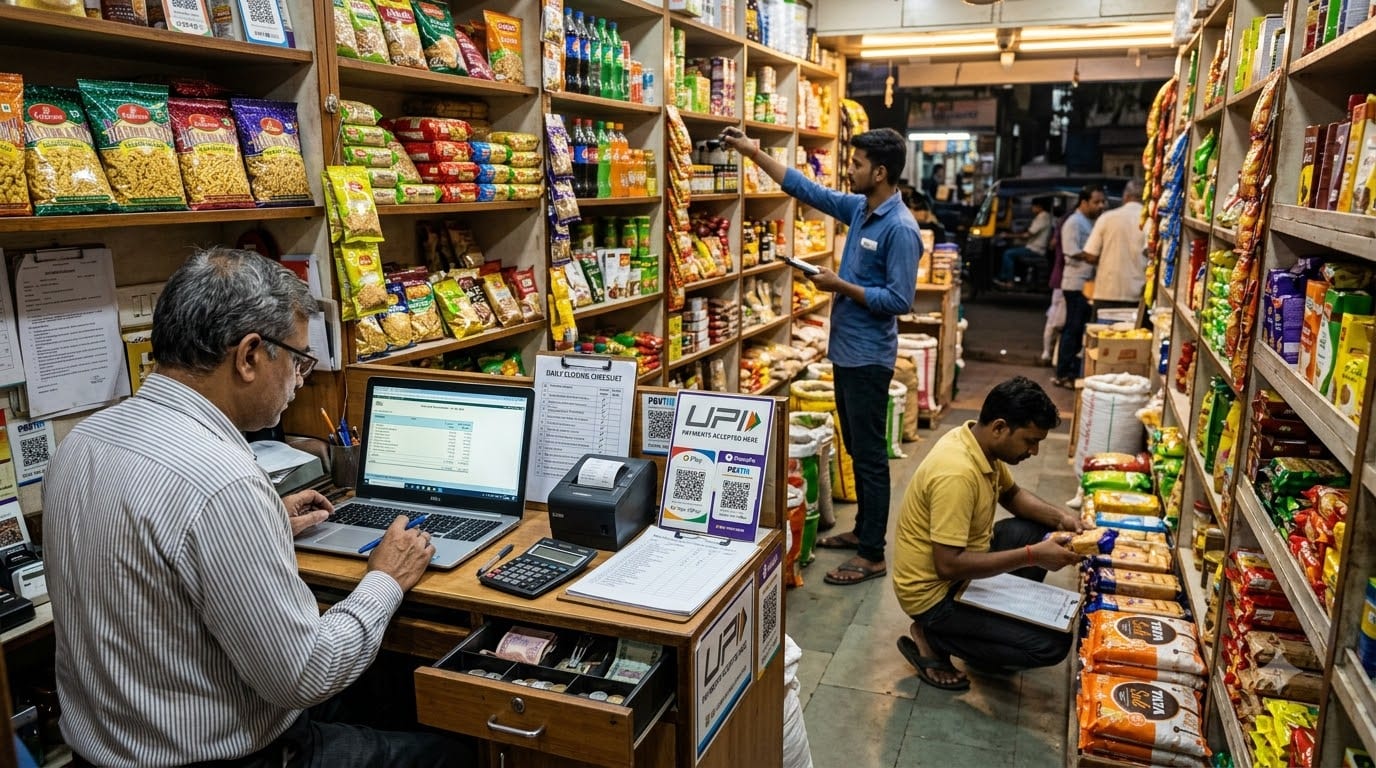
Related Guide:
How to Start a Grocery/Kirana Store Business in India
Use this guide to understand:
- Store models and location selection
- Market research
- Registrations and licenses
- Startup investment
- Store infrastructure
- Suppliers and inventory
- Billing and daily operations
Once the store is open, the next challenge is growth. Growing a kirana store means increasing average bill value, improving repeat purchases, reducing expiry and stockout losses, offering convenient delivery, managing suppliers better, and creating reliable daily routines.
If you are still trying to improve sales, inventory, customer retention, supplier control, or cash flow in one store, refer to the guide below before focusing on scale.
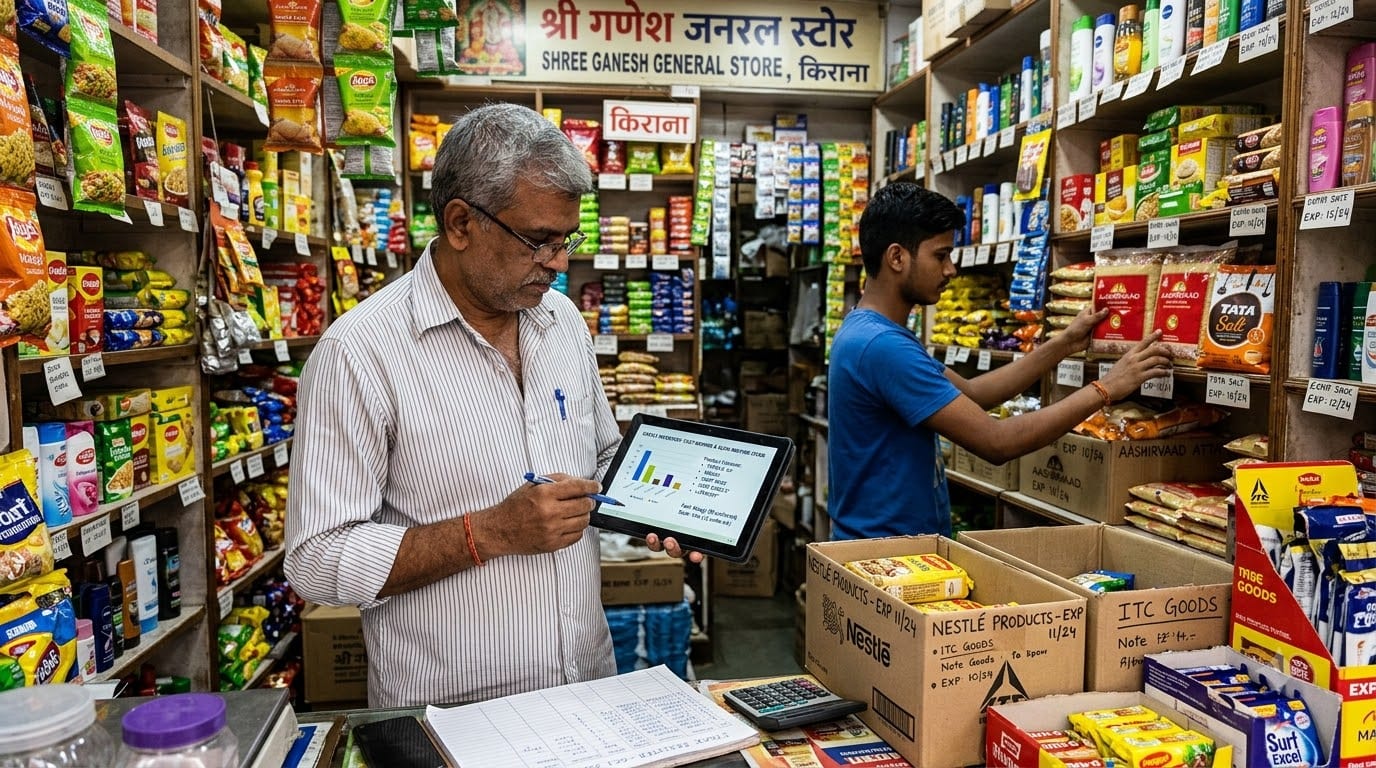
Related Guide:
How to Grow a Grocery/Kirana Store Business in India
Use this guide to understand:
- How to improve store performance
- How to increase average order value
- How to improve inventory turnover
- How to build local customer loyalty
- How to add delivery and digital ordering
- How to control suppliers and cash flow
- How to create staff-led operations
After starting and growing the business, the next question is how to scale it without losing control.
Scaling a grocery or kirana business may mean opening a second store, expanding local delivery, adding online ordering, supplying offices or restaurants, creating a mini-supermarket format, or turning several stores into a local grocery brand.
But expansion also creates new complexity. You now have more products, suppliers, employees, payments, customer orders, locations, and inventory movement to manage. A store that runs successfully through the owner’s memory and a few notebooks may struggle when the same process has to work across multiple outlets.
This guide explains how to move from a successful individual kirana store to a more organized, multi-location, and technology-enabled grocery business.
Table of Contents
- Confirm that the first store is ready
- Standardize the store operating model
- Centralize products, pricing, and inventory
- Build a local delivery and digital ordering channel
- Improve purchasing and supplier management
- Create multi-store customer loyalty
- Protect margins, cash flow, and controls
- Build a team-led management structure
- Use a Retail ERP to manage scale
- Plan a phased expansion roadmap
1. Confirm That the First Store Is Ready
Opening another store before the first one is stable can multiply problems instead of revenue.
Before expanding, review whether the first store has:
- Stable monthly sales.
- Predictable cash flow.
- Reliable inventory records.
- Consistent supplier relationships.
- Low or controlled expiry losses.
- Clear staff responsibilities.
- Repeat customers.
- A store manager or senior employee who can operate without constant owner supervision.
- Documented opening, billing, stock, delivery, and closing routines.
You should also know the store’s:
- Average daily sales.
- Average bill value.
- Category-wise margins.
- Fast-moving and slow-moving products.
- Stock turnover.
- Supplier dues.
- Customer credit outstanding.
- Delivery cost.
- Monthly operating profit.
A second store should be funded by a realistic expansion plan, not only by excitement about a new location. Prepare a budget for rent, deposit, interiors, initial inventory, staff, billing equipment, marketing, and working capital.
If the first store still has frequent stock errors, uncontrolled credit, unclear cash reconciliation, or owner-dependent operations, improve those areas before expansion.
2. Standardize the Store Operating Model
A scalable grocery brand needs a repeatable store playbook.
Document the standard way of handling:
- Store opening.
- Store closing.
- Billing.
- Cash and digital payment reconciliation.
- Goods receiving.
- Shelf replenishment.
- Expiry checks.
- Damaged-product handling.
- Customer complaints.
- Delivery packing.
- Supplier follow-up.
- Weekly stock counting.
Create simple checklists that every store can follow. The purpose is not to create unnecessary paperwork. It is to make important tasks consistent.
Standardize:
- Shelf layout.
- Product categories.
- Billing process.
- Discount rules.
- Customer credit rules.
- Store timings.
- Staff uniforms or identification.
- Delivery process.
- Product return policy.
When a second store opens, customers should recognize the same quality, pricing logic, and service process. A documented playbook also makes it easier to train new employees and evaluate store performance.
Zopkit Project Management can help convert store-opening and operating procedures into assigned tasks, checklists, deadlines, and recurring reviews.
3. Centralize Products, Pricing, and Inventory
Multi-store growth becomes difficult when every outlet maintains separate product lists, prices, and stock records.
Create a master catalog containing:
- Product name.
- Brand.
- Category.
- Barcode.
- Pack size.
- Unit of measurement.
- Purchase cost.
- Selling price.
- Tax details.
- Supplier.
- Expiry information where applicable.
Centralize pricing rules so that stores do not display inconsistent prices without approval. You can still allow location-specific promotions, but those changes should be visible and controlled.
Track inventory by location:
- Store 1.
- Store 2.
- Warehouse.
- Delivery stock.
- Goods in transit.
- Damaged or quarantined stock.
Use stock-transfer rules for moving products between outlets. If one store has excess stock and another store is facing a stockout, a controlled transfer may be better than placing another purchase order.
Centralized inventory helps answer:
- Which store sells this product fastest?
- Which store has excess stock?
- Where are stockouts happening?
- Which products should be purchased centrally?
- Which products should be sourced locally?
Grocery ERP systems commonly connect POS, inventory, purchasing, pricing, customer loyalty, and multi-store reporting into a centralized operating view.
4. Build a Local Delivery and Digital Ordering Channel
Digital ordering can help a kirana store serve more customers without immediately opening more locations.
Start with:
- WhatsApp ordering.
- Phone orders.
- A digital product list.
- Local apartment groups.
- A simple ordering page.
- Scheduled delivery slots.
As orders increase, create a proper workflow:
- Order received.
- Stock confirmed.
- Order assigned to a store.
- Items picked.
- Order packed.
- Payment confirmed.
- Order dispatched.
- Delivery completed.
- Replacement or complaint recorded if required.
When you add stores, treat each outlet as a possible fulfillment location. Orders can be assigned based on:
- Customer location.
- Product availability.
- Delivery distance.
- Store workload.
- Delivery capacity.
A centralized digital setup can show customers whether an item is available at the relevant location and reduce the chance of accepting orders for products that are out of stock. Multi-location grocery technology increasingly focuses on central product data, local inventory, store-based fulfillment, and order routing.
Define:
- Delivery radius.
- Minimum order value.
- Delivery fees.
- Delivery slots.
- Payment options.
- Replacement policy.
- Customer support process.
The objective is to make delivery profitable and dependable rather than offering it without considering distance, staffing, and order economics.
5. Improve Purchasing and Supplier Management
As the business grows, supplier management should move from informal relationships to structured purchasing.
Create supplier records containing:
- Product categories supplied.
- Purchase rates.
- Credit terms.
- Minimum order quantities.
- Delivery schedule.
- Expiry replacement policy.
- Damaged-stock policy.
- Outstanding payments.
- Performance history.
Use a purchasing process:
- Review current and projected stock.
- Check sales velocity.
- Identify reorder requirements.
- Compare supplier terms.
- Create a purchase order.
- Receive and verify goods.
- Update inventory.
- Record the supplier bill.
- Schedule payment.
Central purchasing may improve rates for common products, while local buying may be better for fresh goods and regional products.
Review suppliers using:
- Price.
- On-time delivery.
- Product quality.
- Replacement support.
- Credit terms.
- Invoice accuracy.
- Product availability.
Zopkit Finance can help organize purchase orders, supplier bills, payments, cash flow, and vendor-related reporting. This becomes increasingly important when several stores are buying from the same suppliers.
6. Create Multi-Store Customer Loyalty
A growing grocery business should not treat customers as belonging only to one outlet.
Create a unified customer profile that can record:
- Name and phone number.
- Preferred store.
- Delivery address.
- Purchase history.
- Regular household products.
- Loyalty activity.
- Customer complaints.
- Digital-order history.
A customer should ideally receive the same loyalty experience whether they purchase from Store 1, Store 2, WhatsApp, or a delivery order.
Useful loyalty strategies include:
- Monthly household rewards.
- Points on repeat purchases.
- Referral benefits.
- Festival bundles.
- Free delivery thresholds.
- Personalized product reminders.
- Special ordering for regular customers.
Do not communicate with customers too frequently. Send useful messages based on their purchase behavior instead of generic daily promotions.
Zopkit CRM can help organize customer records, preferences, follow-ups, loyalty segments, and local campaigns across the business.
7. Protect Margins, Cash Flow, and Controls
Expansion increases financial complexity. You now have more rent, salaries, inventory, delivery costs, suppliers, and payment points.
Track performance by store:
- Sales.
- Gross margin.
- Operating expenses.
- Delivery cost.
- Stock loss.
- Expiry loss.
- Customer credit.
- Vendor dues.
- Cash and digital collections.
- Net operating contribution.
Do not assume that the store with the highest sales is the most profitable. A smaller store with lower rent, lower wastage, and better inventory turnover may produce stronger returns.
Create controls for:
- Discounts.
- Refunds.
- Customer credit.
- Cash handling.
- Stock adjustments.
- Inter-store transfers.
- Supplier payments.
- Purchase approvals.
Run a monthly brand-level finance review to compare stores and identify problems early.
Zopkit Finance supports invoicing, vendor bills, purchasing, payments, banking, cash flow, budgeting, profitability, and financial reporting, helping grocery operators review the business beyond daily sales.
8. Build a Team-Led Management Structure
A single store may be managed directly by the owner. Multiple stores need managers, supervisors, and clear accountability.
Possible roles include:
- Store manager.
- Floor or inventory supervisor.
- Billing executive.
- Delivery coordinator.
- Central purchasing manager.
- Warehouse assistant.
- Customer support executive.
- Finance or accounts executive.
Define what each role can approve. For example:
- Store managers may approve small exchanges.
- Supervisors may manage stock transfers within limits.
- Central purchasing may approve routine orders.
- Larger discounts or expenses may require owner approval.
Create a weekly review that covers:
- Store sales.
- Stockouts.
- Expiry and damage.
- Customer complaints.
- Delivery performance.
- Staff attendance.
- Supplier delays.
- Cash and credit issues.
Zopkit HRMS can help manage employee records, attendance, shifts, payroll, leave, and role information. Zopkit Academy can train teams on billing, customer service, inventory handling, delivery, and store procedures.
A scalable business should not rely on the owner personally checking every shelf or approving every small decision.
9. Use a Retail ERP to Manage Scale
Once a grocery business has multiple outlets, delivery, or a growing team, disconnected tools create unnecessary work.
A Retail ERP should connect:
- POS and billing.
- Product catalog.
- Inventory.
- Purchasing.
- Suppliers.
- Pricing.
- Promotions.
- Customers.
- Loyalty.
- Delivery orders.
- Finance.
- Store reporting.
Zopkit can support the wider business operating system through:
- Zopkit CRM: Customers, loyalty, delivery details, and follow-ups.
- Zopkit Finance: Bills, payments, purchasing, expenses, cash flow, and profitability.
- Zopkit Project Management: Store openings, campaigns, audits, delivery setup, and expansion tasks.
- Zopkit HRMS: Employees, attendance, payroll, and roles.
- Zopkit Academy: Training and repeatable store procedures.
A Retail ERP approach helps the business maintain one source of truth as it grows. The aim is not simply to install more software. It is to reduce duplicate work, improve visibility, and make decisions using consistent data.
10. Plan a Phased Expansion Roadmap
Do not open several stores at once unless the operating model and cash flow can support it.
Phase 1: Stabilize the first store
Improve:
- Sales visibility.
- Inventory accuracy.
- Supplier terms.
- Customer loyalty.
- Staff routines.
- Cash flow.
Phase 2: Add digital ordering
Introduce:
- WhatsApp ordering.
- Local delivery.
- Digital customer records.
- Delivery workflows.
- Online payment options.
Phase 3: Improve the backend
Centralize:
- Product data.
- Pricing.
- Purchasing.
- Vendor records.
- Inventory reporting.
- Customer loyalty.
Phase 4: Open the second store
Choose an area using:
- Existing customer demand.
- Delivery order concentration.
- Residential density.
- Competition.
- Rent.
- Supplier access.
Phase 5: Build a local grocery brand
Standardize:
- Store design.
- Product range.
- Pricing.
- Staff training.
- Customer experience.
- Reporting.
- Store-level accountability.
Add one location at a time and compare its performance with the first store before expanding further.
Conclusion
Scaling a grocery or kirana store business in India is not simply about opening more outlets. It is about converting a successful store into a repeatable operating model.
The business needs centralized product and inventory data, structured purchasing, dependable delivery, unified customer loyalty, store-level financial visibility, clear staff responsibilities, and a Retail ERP approach that connects the major parts of the operation.
Zopkit helps provide the wider business backbone across CRM, Finance, Project Management, HRMS, and Academy, allowing a growing grocery business to manage customers, money, projects, employees, and training with more structure.
Explore how Zopkit can support the next stage of your grocery business at zopkit.com.